Independent film production
From script to call sheet
Dev rides the night bus with a white cake box on his knees. Follow that prop from the first page of Night Bus to the crew’s call sheet in Screencake.
See the finished call sheet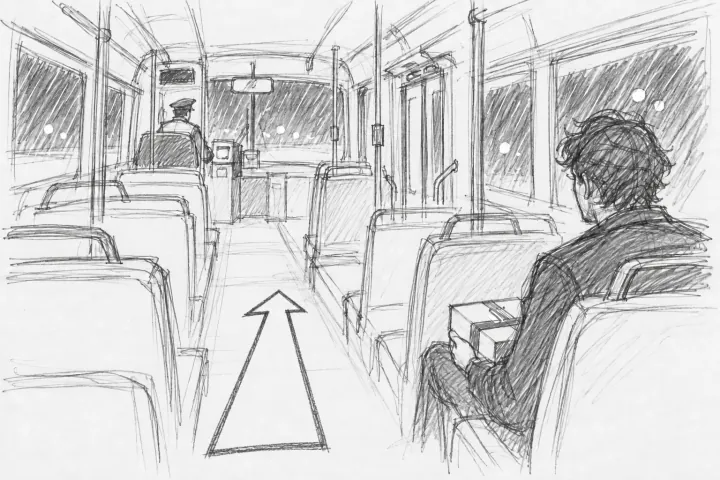
To follow these steps, use a cloud script in a Production or Studio workspace. For crew email and PDF export, use an unencrypted script.
Step 1 / Screenplay
Import the script
In the Library, select Import. Choose your Fountain or Final Draft file. Open the first scene in the scene navigator.
Scene 1 of Night Bus takes place on the Route 12 bus at 2:14 AM. Dev holds a white cake box.
Script import formatsStep 2 / Breakdown tags
Tag the props in scene 1
Select “white cake box” in the action. Open Breakdown tags in the toolbar and select Prop. Tag “Twelve candles” as a second prop.
Both tags refer to the words on the page. Turn on Show breakdown tints to see them in the script.
How to tag script textStep 3 / Production report
Check what the props crew needs
Open the Production report and select Breakdown. Find the cake box and the candles under Prop. Check the scene number beside each item.
The report lists both props for scene 1. The props crew can use that list to prepare the bus interior.
Breakdown reports and exportsStep 4 / Stripboard
Put the bus scenes on Day 1
On the Stripboard, enter “Day 1 — Night bus” under New shoot day. Set the date to March 8, 2027. Select Add day. Move scenes 1 through 4 from Unassigned into the new day.
Arrange the strips in shooting order. The call sheet uses that order for its scene list.
How to schedule scenesStep 5 / Call sheets
Set the crew call
In Call sheets, open Day 1 and select Edit day. Enter “Route 12, Bermondsey depot” in Location. Under Schedule of day, add a Crew call at 6:00 PM. Select Save.
The scene takes place at 2:14 AM in the story. The crew reports to the depot at 6:00 PM.
Call times and day detailsStep 6 / Crew distribution
Send the call sheet
Check the first call, location, and scene order. Select Send to crew. Choose crew members with email addresses and send the sheet. For a printable copy, select Download PDF.
The sheet lists Dev and the driver with the scheduled scenes. The Breakdown section includes the same cake box and candles you tagged.
Send call sheets and confirm receipt